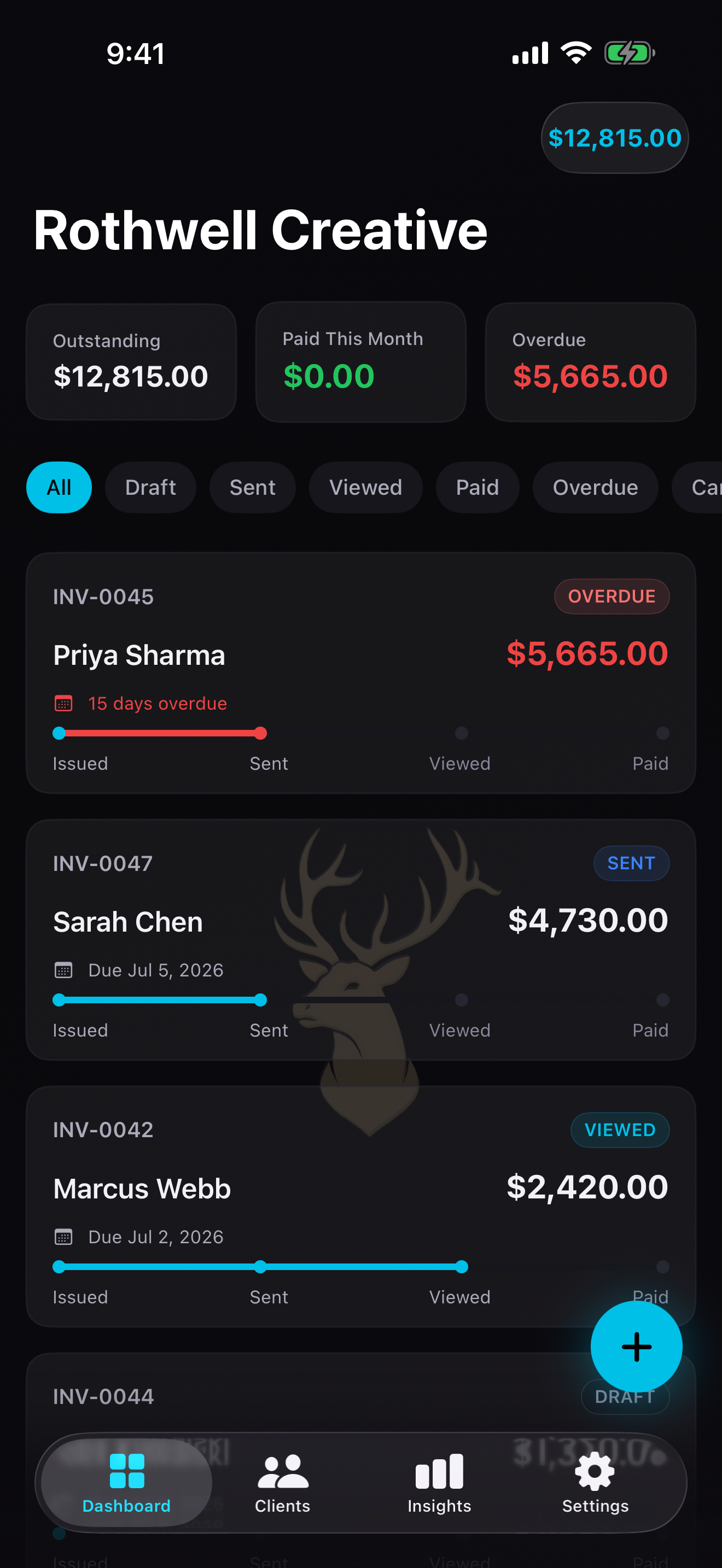
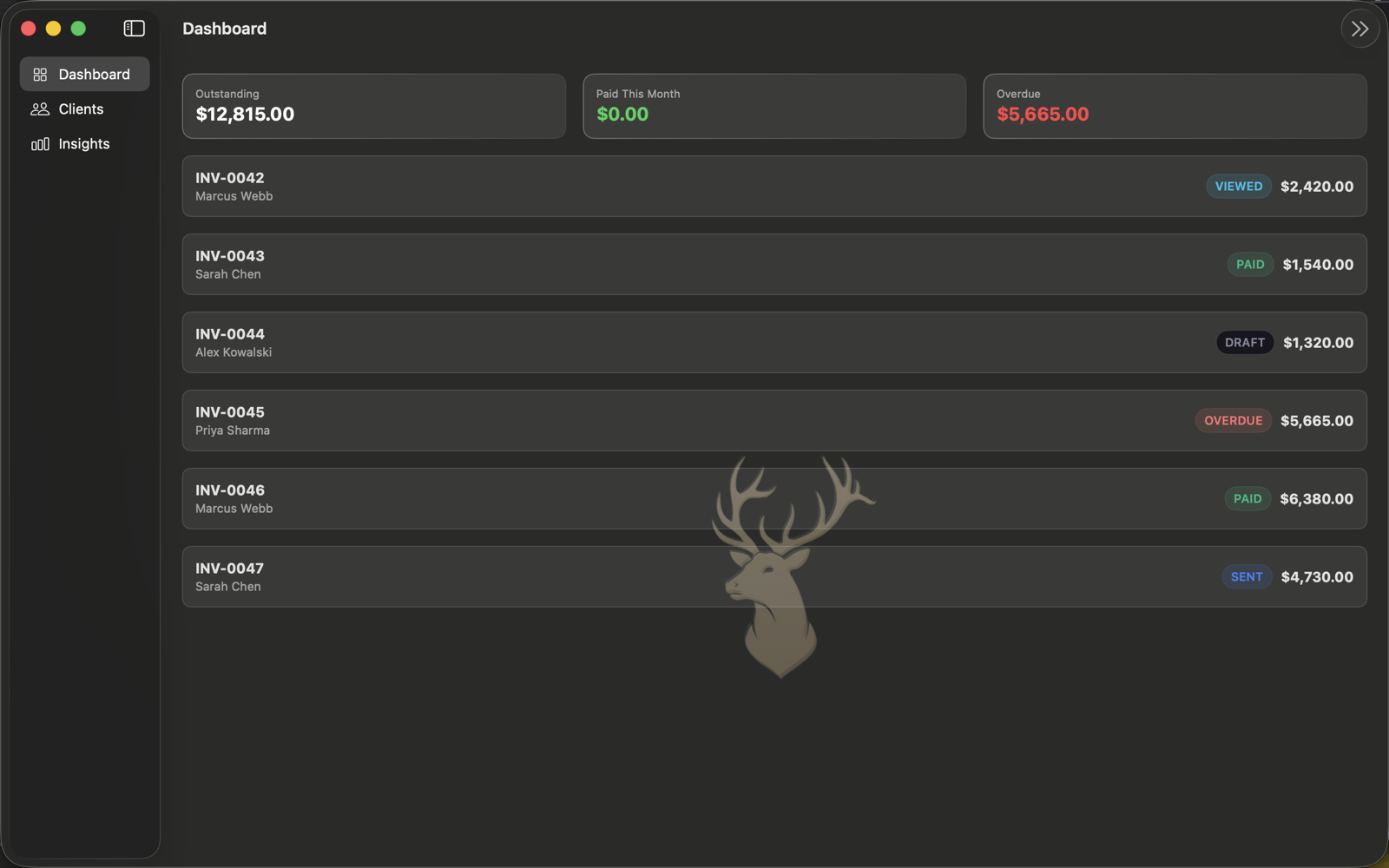
Dashboard
Your revenue, instantly.
See outstanding balance, paid this month, and overdue amounts the moment you open the app. Every invoice is listed with its status, amount, and client — searchable and filterable in one tap. Nothing buried. Nothing missed.
Clients
Every client, every invoice.
Your full client roster with outstanding amounts shown right on each row. Tap any client to see their invoice history, total billed, and last invoice date. Building a client relationship starts with knowing what you've done for them.
Insights
Data that drives decisions.
12-month revenue bar chart, outstanding aging buckets (0–30, 31–60, 61–90, 90+ days), top clients by revenue, payment speed comparison, and a 3-month revenue forecast — all on one screen. Know your business without opening a spreadsheet.
Settings
Your business profile, your way.
Set up your business name, logo, and contact details once — they appear on every invoice. Choose your currency, configure invoice numbering, manage iCloud sync, and control notification preferences. Everything in one tidy place.
New Invoice
Quick or manual — your call.
Use Quick mode to type your invoice in plain language and let InvoiceFlo parse it instantly. Switch to Manual for full control over line items, tax rates, discounts, and due dates. Either way, a complete invoice takes under 30 seconds.