Tap to fire
Tap an enemy and both cockpit guns fire at it. Shots lock onto whatever is closest to your finger, so you aim at targets, not pixels.
Vector simulation // Clearance level 4
One finger. One tunnel.
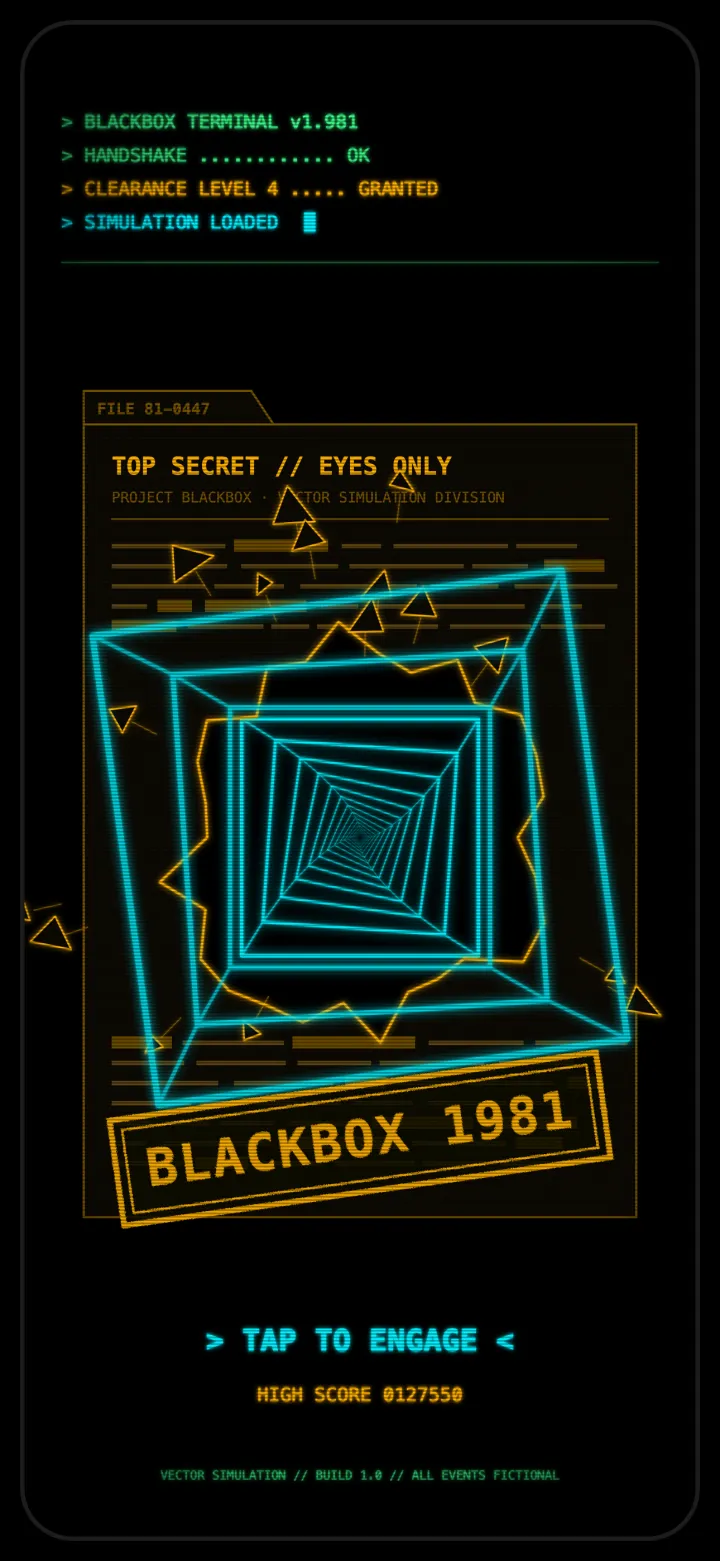
A neon vector tunnel shooter for iPhone. Tap to fire, watch your gun heat, and keep anything from reaching the cockpit.
Operating procedure
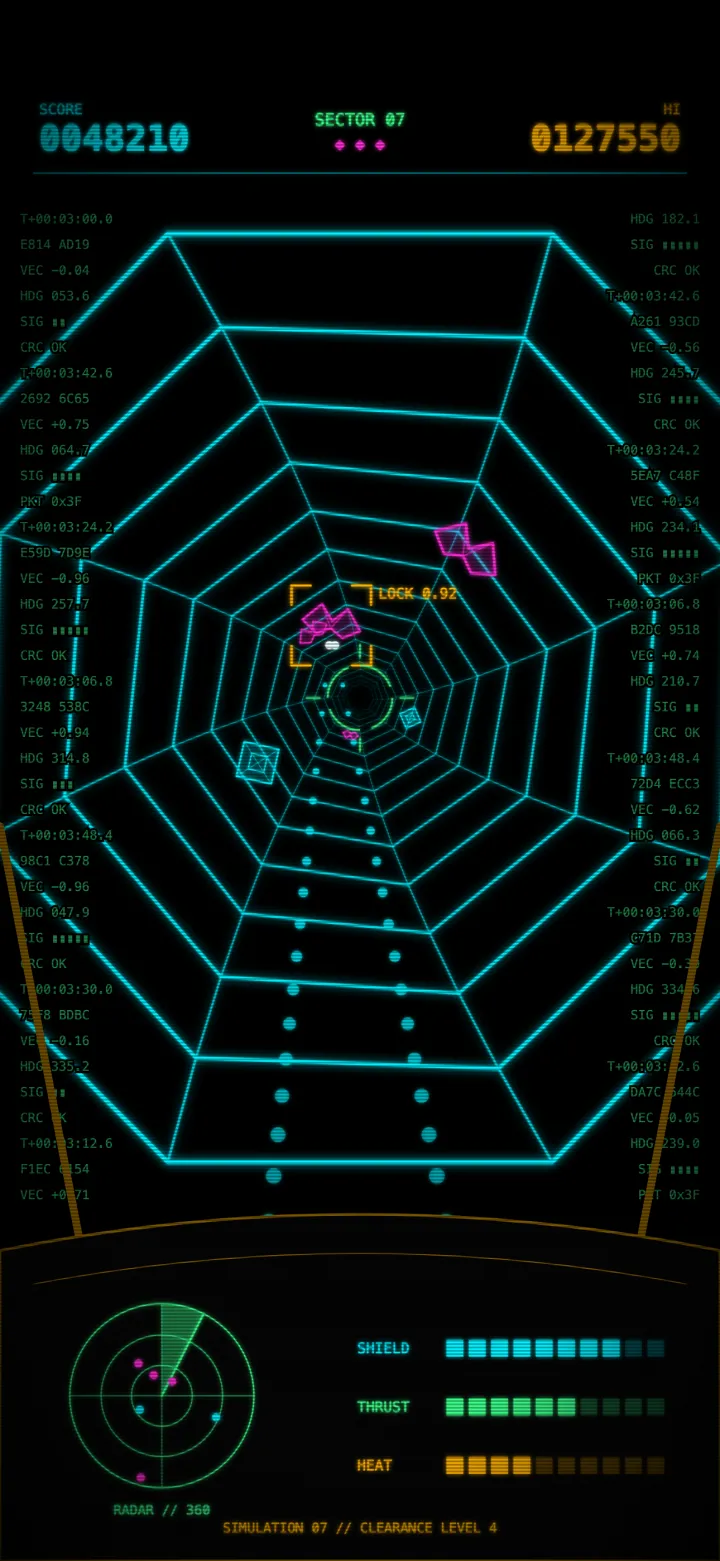
Every run is the same loop, and it gets faster each time you clear a sector.
Tap an enemy and both cockpit guns fire at it. Shots lock onto whatever is closest to your finger, so you aim at targets, not pixels.
Every shot adds heat. Fill the gauge and the guns lock until they cool, so spraying taps gets you killed.
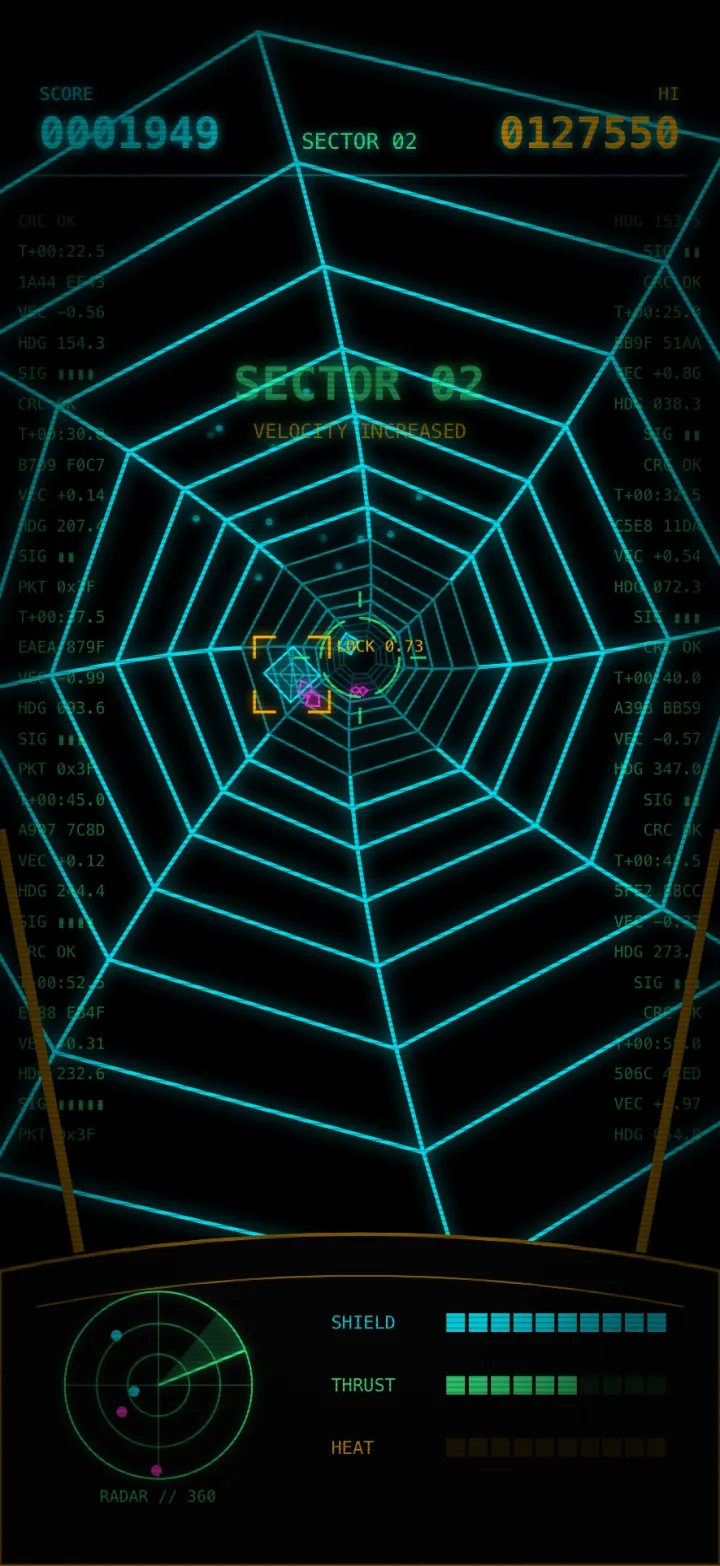
Twelve kills moves you to the next sector. Enemies arrive faster and more often, and the high score is saved on your phone.
Field guide
Two hostiles patrol the tunnel. Anything that reaches the cockpit drains your shield, and the run ends when the shield hits zero.
Rides the tunnel wall and drifts quickly around it, so it is rarely where you last saw it.
Hangs inside the tunnel and turns slowly. Easier to hit, but it shows up in the gaps between claws.
Range bonus: +25 points per unit of tunnel depth when the shot lands. A kill at the far end is worth up to 350 extra.
Terminal output
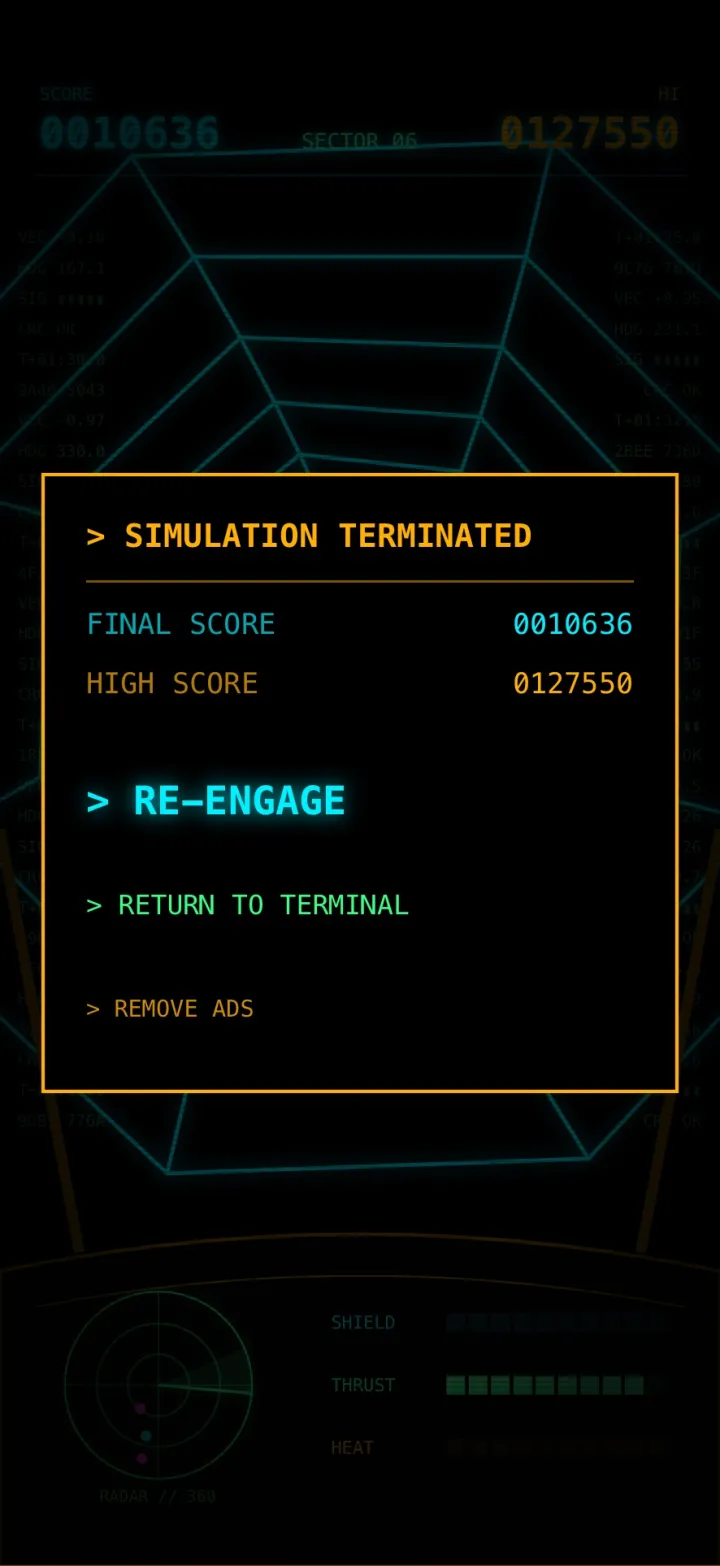
Visual comfort
Arcade neon without the arcade strobe. The whole game is built to be comfortable to look at for a long session.
Lights glow and fade on slow curves. Nothing blinks or fills the screen with a flash.
Taking damage swells a soft amber glow at the screen edges for about a second, then fades.
With Reduce Motion on in iOS settings, the tunnel stops rolling and the game stays playable.
Switch apps or lock your phone and the run freezes until you come back.
Privacy policy
Last updated 29 October 2026
Blackbox 1981 is a single-player game for iPhone, made by Jamieson Rothwell (Lymegrove). There are no accounts or sign-in, and we don't run any servers, so we never receive your personal information ourselves. The free version shows ads from Google, and Google collects some data to serve them. This policy explains what that data is and how you can control it.
These are stored only on your device and are removed when you delete the app.
If you play the free version, the game shows ads from Google AdMob (the Google Mobile Ads SDK):
To serve, measure and personalize ads, and to prevent fraud, Google may collect:
Google handles this data under the Google Privacy Policy. To learn more, see how Google uses information from apps that use its services.
Ads load only after the consent and tracking choices described below have been made. If your choices don't allow ads to be requested, no ads load.
If you're in the European Economic Area, the United Kingdom or Switzerland, the game shows Google's consent form before any ads load. You can accept, decline or manage your choices. If you decline, you may still see limited, non-personalized ads.
You can change your choice at any time with the PRIVACY link on the main menu. The link appears only where Google's consent rules apply.
The game asks for permission to track you using Apple's App Tracking Transparency prompt. Where a consent form applies, this prompt comes after it. If you choose Ask App Not to Track, your IDFA isn't shared and ads aren't personalized by tracking you across other companies' apps and websites.
You can change this at any time in Settings > Privacy & Security > Tracking on your iPhone.
The following data is collected only from free players, through Google's ad SDKs:
No gameplay data, including your score, is sent anywhere.
The game offers one in-app purchase, Remove Ads. It's a one-time, non-consumable purchase sold only through Apple. Apple handles the payment, so we never see or store your payment details. All the game keeps is a note on your device that you've bought it.
Once you've bought Remove Ads, the game no longer starts Google's ad SDK, and you won't see the consent form or the tracking prompt. If you buy partway through a session, ads stop right away.
On a new device or after reinstalling, use > RESTORE PURCHASE on the Remove Ads screen to get your purchase back.
We don't sell your personal information for money. Under some US state privacy laws, letting Google personalize ads may count as "sharing" personal information. To opt out, turn off tracking as described above, or contact us.
The game isn't directed at children under 13, and its ads aren't targeted at children.
If you use the support form, your name (if given), email address, device details and message are emailed to us so we can reply. We use them only to answer you and don't share them.
If this policy changes, the updated version will be posted on this page with a new date.
Questions? Email support@lymegrove.com or use the support form.
Support
Send a message below, or email support@lymegrove.com. For bugs, include your iPhone model, iOS version and what happened. Every message gets read.
The Lymegrove line